By Timothy Robinson · Updated October 17, 2026
A printable crystal grid template gives your stones a place to begin. Choose a pattern, print the page that matches your paper, then add a few stones and an intention. You can keep the arrangement simple; a finished grid does not need a large crystal collection.
Choose a printable PDF or a finished Studio design
These are two different starting points. A printable crystal grid template is a ready-made PDF pattern for arranging physical stones. A download from the online crystal grid builder is your finished digital arrangement, including the stones and words you placed on screen. Use the PDF when you want an open pattern; use a Studio design when you want to keep an image or plan a layout.
Our individual printable grid packs include instructions and A4 and US Letter versions. Check the product’s file list before purchasing. Studio Plus also includes the current printable collection; its membership page shows the current price and recurring terms.
1. Pick the pattern that gives you a useful beginning
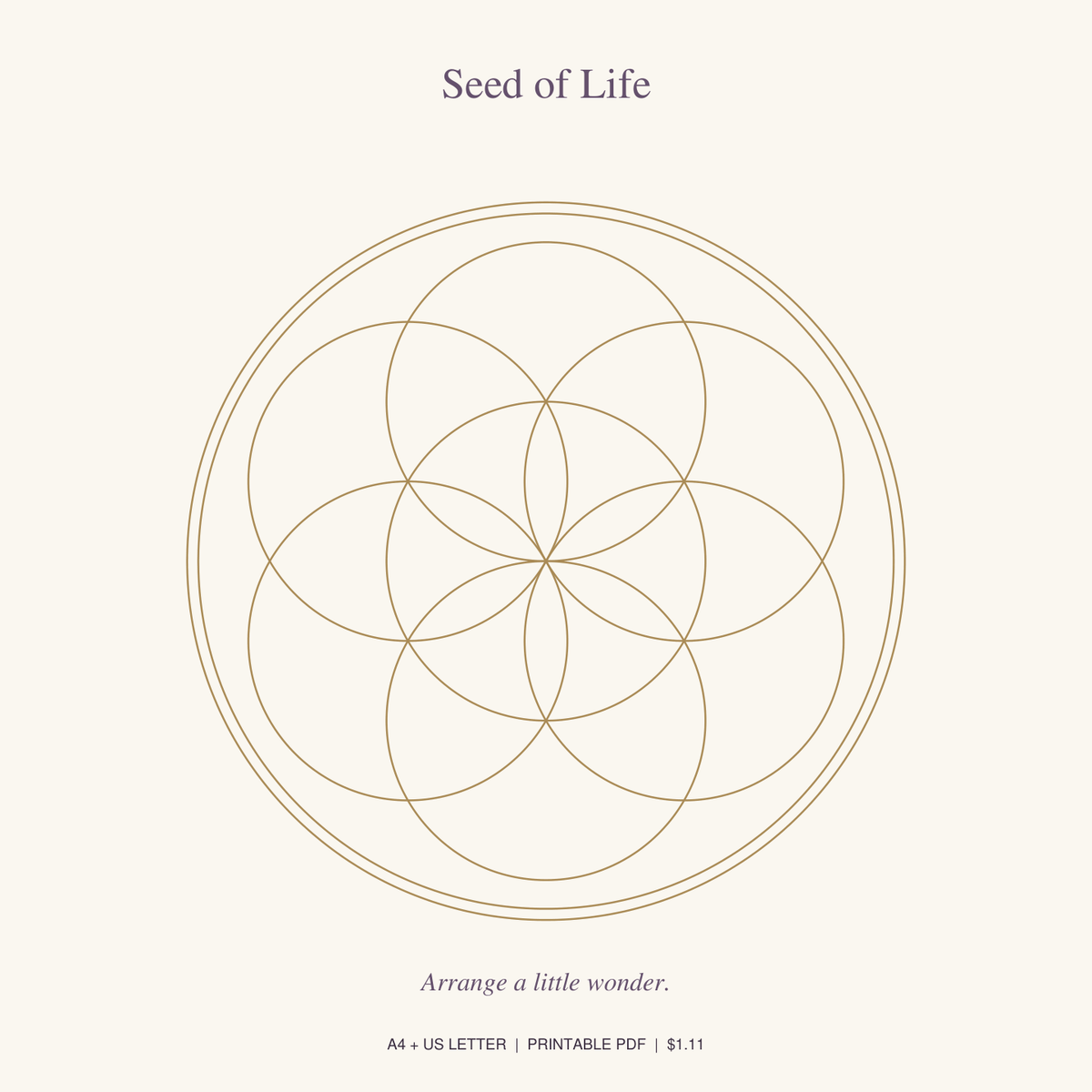
- Seed of Life has overlapping circles and gives you repeating spaces to work with. Try one central stone and six around it.
- Circle of Connection offers a circular framework. Begin with a center and a small ring of stones, leaving room between them.
- Four Directions gives you four clear outer positions. A center stone and one at each direction make a manageable first arrangement.
These are layout suggestions, not rules or promises. Personal meaning, color and the stones you already own can guide your choice.
2. Match the PDF page to your paper
| Paper | Size | PDF choice |
|---|---|---|
| A4 | 210 × 297 mm | A4 template page |
| US Letter | 8.5 × 11 inches | US Letter template page |
Open the file in a PDF viewer, find the version you need and choose that page in the print dialog. You do not have to print the instructions and both paper sizes every time. On a phone, download the PDF first and open its sharing or printing menu; the exact controls depend on the device.
3. Check the preview before you print
- Select the same paper size in your printer settings.
- Choose portrait orientation when the page is portrait.
- Look at the preview: the outer circle, heading and writing spaces should all fit.
- If an edge is clipped, try “Fit” or “Fit to printable area.” This may make the pattern slightly smaller.
- Print one test page before using thicker paper or printing more copies.
Use “Actual size” or 100% only when the preview fits your printer’s margins and you want the PDF’s original scale. For these creative arrangements, a small change in size is usually fine; do not assume a particular printed diameter unless you have measured the result. Paper or light card can work, but only use a weight your printer supports.
4. Add your stones and one sentence
Place the page on a flat, stable surface. Start with three to seven stones, or use pebbles or paper tokens. Write a sentence you can return to, such as “I make time for what matters.” Our 12 intention examples can help you find your own words.
Move the pieces until the arrangement feels complete. Leave it somewhere safe from pets and small children, or photograph it and put the stones away. Keep stones out of food and drinking water. A grid is a creative or symbolic practice; it does not guarantee health, money or other outcomes.
A few quick answers
Why is my print smaller than the PDF preview?
Your printer or PDF viewer may be scaling the page to fit its margins. Check the scale and paper-size settings. Do not turn on borderless printing unless your printer and paper support it.
Can I use black-and-white printing?
Yes, you can use a monochrome setting if the lines remain clear. Print one page to check contrast before continuing.
Where is my download?
For an individual digital purchase, check the delivery email sent to the address used at checkout, including spam or promotions. Studio Plus members can sign in with their purchase email and open Downloads in the Studio. If you still need help, use Contact with your order number when available.
Ready for paper? Explore printable crystal grid templates. Prefer to try an arrangement first? Create in the free Studio.